
Most Shopify stores don’t stall because founders aren’t working hard—they stall because the wrong things get fixed first. With 2.83 million live stores, Shopify grew 18% year-over-year in Q4 2025, even as store counts dipped quarter-over-quarter, highlighting how competitive growth has become.
Conversations still focus on faster themes, better creatives, stronger ads, and new Shopify automation tools. What’s often missing is sequencing. When improvements happen out of order, even well-funded stores struggle to scale sustainably.
Growth planning becomes harder when targets shift every quarter and decisions are made reactively instead of sequentially.
If you want a clearer breakdown of what Shopify merchants should prioritize at the start of the year, you can check out our blog: New Year, New Targets: What Shopify Merchants Should Focus on in Q1 2026.
What Shopify Growth Actually Means
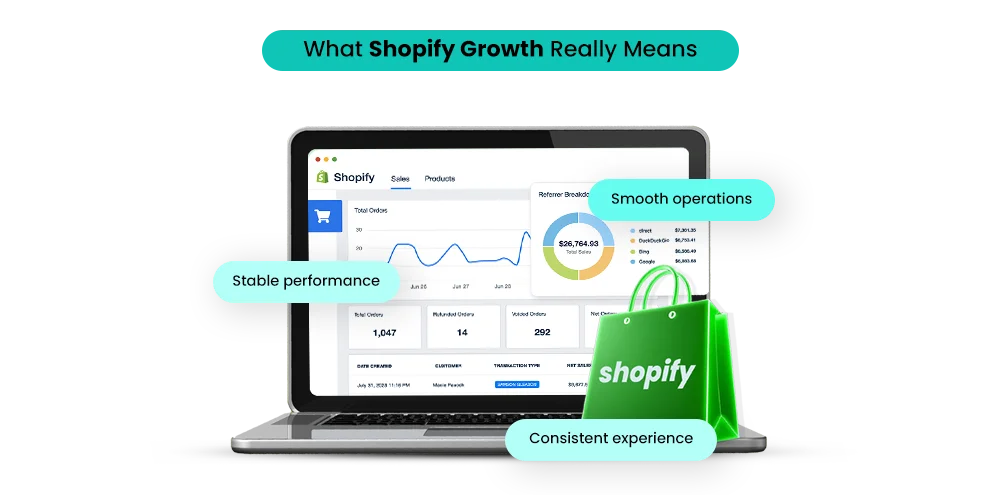
Shopify’s growth today is not defined by surface-level metrics such as traffic spikes or short-term revenue increases. True growth reflects a store’s ability to scale operations, maintain performance, and deliver consistent customer experiences over time.
In practical terms, a growing Shopify store should be able to:
- Handle increased traffic without slowing down
- Maintain stable checkout and payment flows
- Communicate consistently with customers
- Manage inventory accurately
- Support marketing campaigns without operational strain
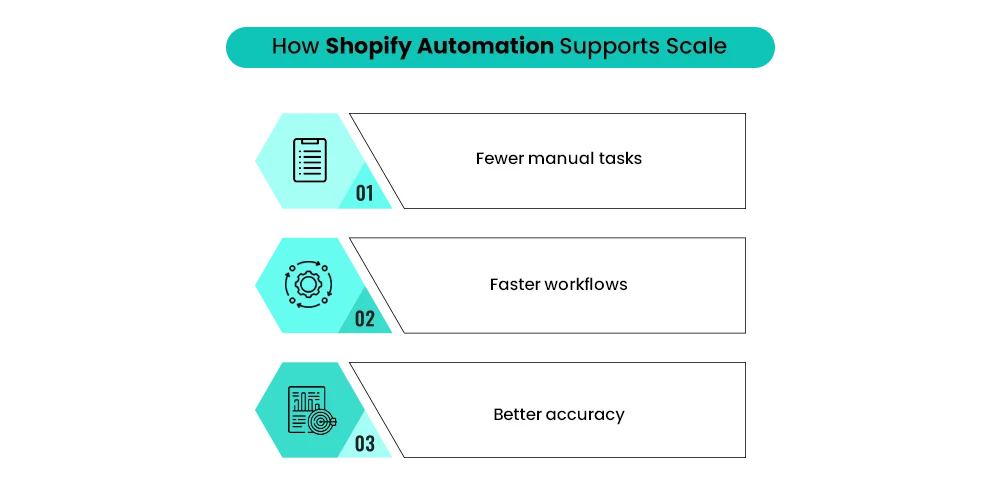
These outcomes rely heavily on Shopify automation. Manual processes cannot scale indefinitely. As order volume increases, manual workflows introduce delays, errors, and inconsistencies. Automation replaces these vulnerabilities with structured systems that operate reliably at scale.
Defining Shopify Automation in a Practical Context
Shopify automation refers to the use of automated workflows, rules, and AI-supported systems that manage repetitive, time-sensitive, or data-driven tasks within a Shopify store. These systems operate continuously in the background and reduce dependency on manual intervention.
Examples include:
- Automated order confirmations, shipping notifications, and returns updates
- Abandoned cart recovery and post-purchase email flows
- Inventory syncing across sales channels
- Customer tagging and segmentation
- AI-driven product recommendations and personalization
In 2026, Shopify automation is no longer optional or experimental. It has become foundational infrastructure for stores that aim to scale efficiently while maintaining performance and accuracy.
The Three Pillars of Shopify Growth
Growth decisions often revolve around three core areas: design, speed, and marketing. Each plays a distinct role, but none functions effectively in isolation.
Design: Usability and Trust
Design shapes how users perceive and navigate a store. It influences trust, clarity, and ease of use. Effective design reduces cognitive load and helps customers make purchasing decisions confidently.
However, design improvements alone cannot compensate for performance or operational issues. A visually polished store that loads slowly or fails at checkout undermines trust rather than building it.
Speed: Performance and Retention
Speed directly impacts user behavior. Page load time affects bounce rates, search engine rankings, and conversion rates. Even small delays can cause users to abandon a store, particularly on mobile devices.
Speed optimization is not limited to front-end assets. Backend processes, app logic, and data handling all influence performance. This is where Shopify automation plays a critical role by streamlining workflows and reducing processing overhead.
Marketing: Visibility and Demand
Marketing drives traffic and awareness. It amplifies what already exists within the store. If performance and usability are weak, marketing spend becomes inefficient. If systems are optimized, marketing can scale profitably.
Marketing effectiveness increases significantly when supported by Shopify automation, which enables targeted campaigns, timely follow-ups, and consistent customer communication.
How Design, Speed, and Marketing Actually Interact
| Growth Area | Core Function | What Breaks If Ignored | What Shopify Automation Fixes |
| Design | Improves usability and trust | Low engagement and weak conversions | Enables personalization and dynamic layouts |
| Speed | Improves retention and SEO | High bounce rates and cart abandonment | Reduces workflow friction and processing delays |
| Marketing | Generates demand | Rising acquisition costs and wasted spend | Automates targeting, attribution, and follow-ups |
| Automation | Ensures scalability | Operational bottlenecks and manual errors | Connects systems across sales, ops, and fulfillment |
This relationship highlights why Shopify automation should be treated as a core growth enabler rather than an add-on.
Which Should Come First: Design, Speed, or Marketing?
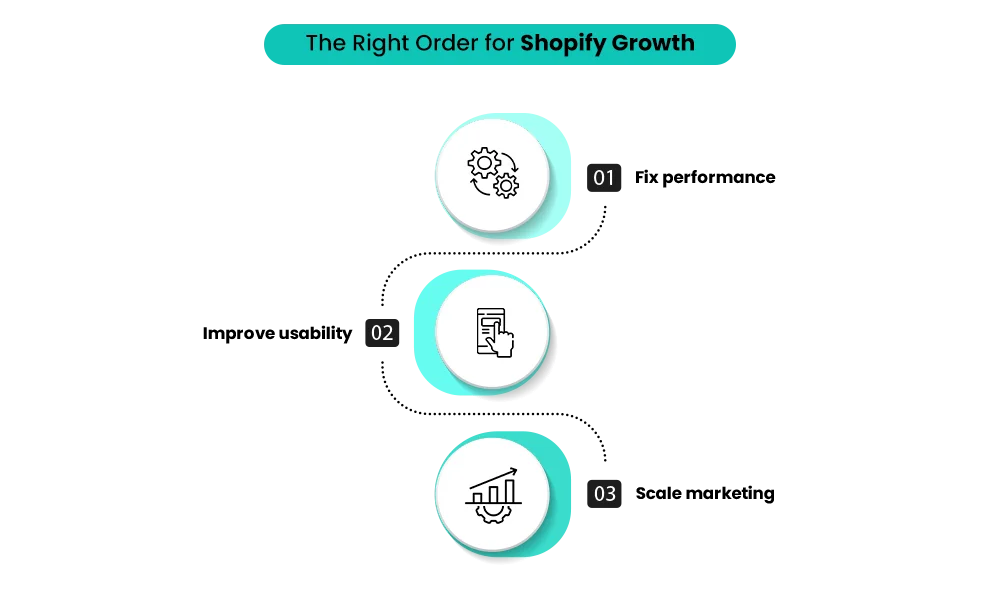
For most Shopify stores, speed should be addressed first. Performance issues limit the effectiveness of both design and marketing. A slow store lowers conversion rates and raises acquisition costs—no matter how good the design looks or how much traffic you drive.
However, speed optimization alone isn’t sustainable without Shopify automation. As traffic grows, inefficient backend processes show up as delays, errors, or instability. Automation ensures performance improvements hold up as the store scales.
Once speed is stable, design should focus on usability, not aesthetics. Marketing should only be scaled after both performance and usability are reliable.
A Simple Way to Decide What to Fix First
Speed if:
- Bounce rate is high
- Ads bring traffic but don’t convert
- Mobile experience feels slow or unstable
Design if:
- Traffic is steady or growing
- Users browse but don’t add to cart
- Drop-offs happen on product or checkout pages
Marketing if:
- Speed and UX are already stable
- Conversion rates are consistent
- Operations can handle higher order volume
Why this works:
- Scannable in 5 seconds
- Zero jargon
- Makes the reader say “ok, that’s me”
This is why high-growth brands rarely treat performance as a surface-level optimization. Speed is a structural decision, not a design tweak. If you want to see how larger brands approach this at scale, you can read our blog: Shopify Plus: What Big Brands Know That You Don’t.
The Role of Shopify Automation in Speed Optimization
Speed optimization extends beyond compressing images or choosing lightweight themes. Backend workflows play a critical role in responsiveness. Shopify data shows 70% of shoppers are less likely to buy from slow sites, and improving load time by just 0.5 seconds can increase conversions. As stores scale, backend inefficiencies directly translate into lost revenue—not just slower pages.
Shopify automation supports speed optimization by:
- Reducing real-time processing requirements
- Automating background tasks
- Managing app triggers efficiently
- Supporting AI-driven content delivery
Stores that implement Shopify automation experience more consistent load times and fewer performance drops during high-traffic events.
Design Improvements That Depend on Automation
Modern Shopify design increasingly relies on dynamic content and personalization. These features depend on Shopify automation to function efficiently.
Automation enables:
- Personalized product recommendations
- Dynamic homepage sections
- Behavior-based content display
Without Shopify automation, these design elements either fail to scale or negatively impact performance.
Where Shopify Sidekick and AI Tools Fit In
AI executes decisions faster. Automation makes those decisions scalable.
Shopify Sidekick and other Shopify AI tools reduce decision fatigue by surfacing insights, recommending next steps, and supporting execution. They don’t replace strategy—they help merchants act on it faster.
Shopify Sidekick features help interpret data, identify operational gaps, and highlight where Shopify automation can remove friction. When AI is paired with structured automation workflows, e-commerce teams respond faster, personalize more effectively, and scale without adding manual overhead.
An AI-powered Shopify store works best when automation is already embedded into daily operations—not layered on as an afterthought.
Marketing Without Automation: Why It Fails to Scale
Marketing investments often increase before operational foundations are ready. This leads to rising acquisition costs and inconsistent results.
Without Shopify automation:
- Campaigns lack segmentation
- Follow-ups become inconsistent
- Customer data remains underutilized
- Retention strategies underperform
Automation ensures that marketing traffic converts efficiently and contributes to long-term customer value.
Why Shopify Automation Is Now Infrastructure
In earlier years, automation was considered optional. In 2026, Shopify automation functions as infrastructure. Stores that avoid automation struggle with scale, accuracy, and consistency. Automation supports AI-powered insights, multi-channel selling, predictive analytics, and consistent customer experiences. Without it, growth becomes fragile and reactive.
These sequencing mistakes become even more costly during platform changes or rapid expansion, where automation and performance must be stable from day one.
If you’re considering a platform shift, you can read more in our blog: BigCommerce to Shopify Migration.
Final Perspective: What Should Come First?
Speed should come first because it sets the baseline for everything else. A fast store improves search visibility, lowers bounce rates, and allows design and marketing to perform as intended. This is why Shopify Speed Optimization is often the first meaningful investment for stores preparing to scale.
If you’re unsure what to fix first, prioritization matters more than effort. A structured audit prevents wasted spend by identifying what will unlock growth now—not later.
Mastroke helps Shopify brands evaluate performance, UX, and automation together, implement scalable systems, and build growth that lasts.
Turn the right priorities into real growth with Mastroke.
FAQs
1. Should Shopify stores prioritize speed before design in 2026?
Yes. Speed affects SEO, bounce rates, and conversions. Design performs better once performance is stable.
2. How do Shopify AI tools support store growth?
They help merchants analyze data, streamline decisions, and improve automation workflows.
3. Can marketing work without automation?
It can drive traffic, but efficiency drops sharply as scale increases.
4. When should a Shopify store invest in a redesign?
Only when data shows usability or conversion issues, not based on visual trends.
5. Is automation useful for small Shopify stores?
Yes. Early automation prevents operational bottlenecks and supports future scaling.