Why Shopify Theme Customization Is No Longer Optional?
Selling online today isn’t just about having a store—it’s about standing out in a crowded digital marketplace. E-commerce has exploded over the past few years, with more than 2 billion digital buyers worldwide and online sales projected to account for nearly 22% of total retail sales. As more people shop online, expectations around speed, usability, and design quality have never been higher.
Shopify makes launching a store incredibly easy, which is great—but there’s a downside. Because many merchants rely on default themes like Dawn or Debut, thousands of stores end up looking almost identical. When shoppers land on a store that feels familiar, generic, or confusing, trust drops instantly. And when trust drops, so do conversions. This is where Shopify Theme Customization becomes essential.
It’s not about flashy visuals or unnecessary animations—it’s about creating a clean, professional Shopify store design that feels unique, trustworthy, and easy to navigate. Even small adjustments, such as refining spacing, improving product layouts, or aligning colors with your brand, can dramatically improve engagement and sales. With the right use of the Shopify theme editor, your store stops looking like a template and starts feeling like a real brand.
What Is Shopify Theme Customization?
Many store owners assume customization means complex development—but that’s not true. A Shopify theme controls how your store looks and feels, including:
- Layout and section structure
- Colors, fonts, and typography
- Buttons, banners, and navigation flow
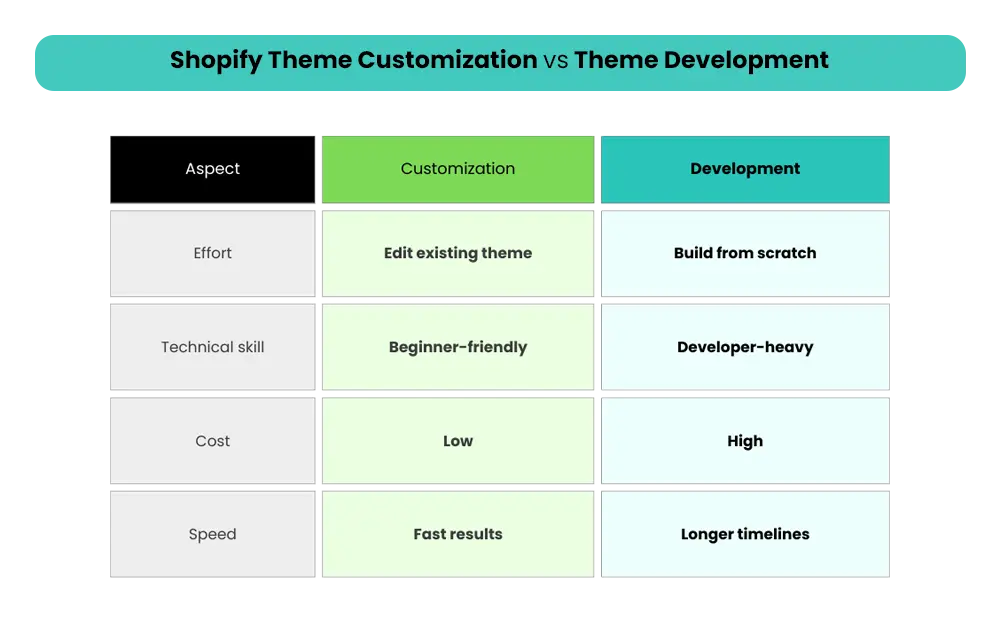
Theme customization means refining these elements to match your brand identity and improve user experience. Full theme development, on the other hand, involves building a theme from scratch using code.
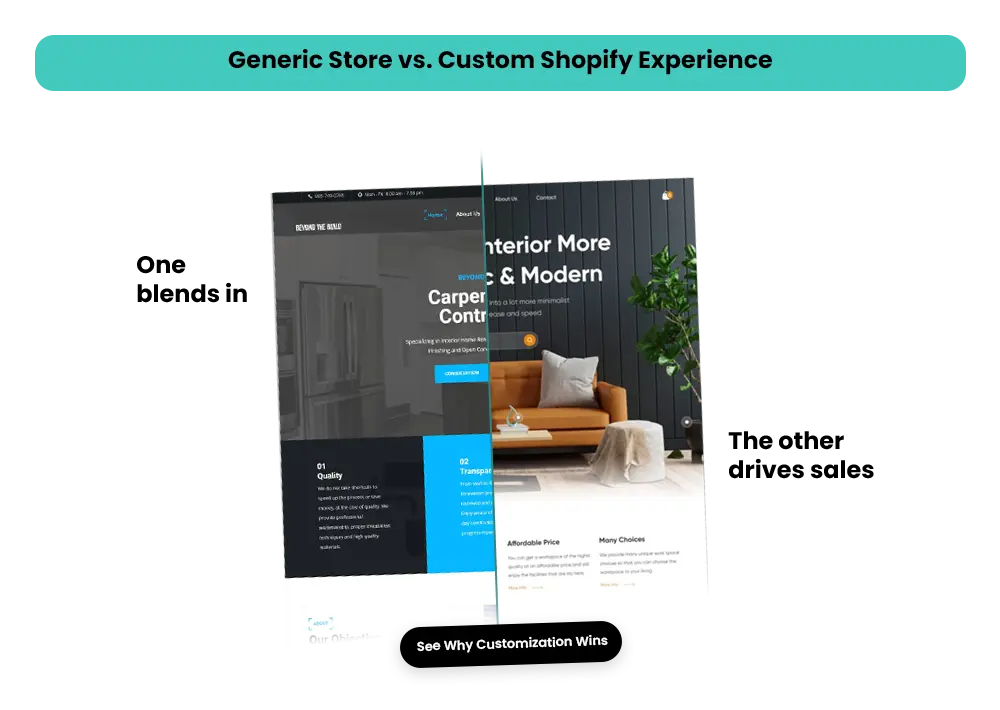
Simple changes—like repositioning a hero banner, adjusting font sizes, or updating button colors—can make your store easier to use and more conversion-friendly. A good theme customization guide helps you strike the right balance: not overcomplicating the design, but not leaving your store looking untouched and generic either.
In today’s competitive ecommerce space, thoughtful Shopify Theme Customization isn’t a nice-to-have—it’s a growth tool.
Shopify Theme Customization vs Theme Development
For most small businesses and beginners, customization is the smart choice—it’s fast, cost-effective, and beginner-friendly, while still allowing you to create a unique, professional store.
Why Customizing Your Shopify Theme Drives Sales?
In 2025, simply having a Shopify store won’t cut it. Theme customization is a strategic move that drives higher conversions, stronger brand identity, and better customer experiences.
1. Strong Branding & Better First Impressions
Your store’s design is the first thing visitors notice. A generic Shopify theme may work functionally, but it won’t help you stand out.
Customizing your theme allows you to:
- Consistent branding: Use uniform colors, fonts, and layouts to reinforce your brand identity. For example, luxury brands often stick to minimalist palettes, while playful brands use bold, vibrant colors.
- Emotional design: Incorporate trust badges, testimonials, and high-quality product imagery to make visitors feel confident.
- Build trust: Adobe reports that 38% of users stop engaging with a website if the design feels unprofessional.
The takeaway? A cohesive, brand-aligned theme encourages users to explore products and increases the likelihood of conversion.
2. Higher Conversions Without More Traffic
Customizing your Shopify theme can boost sales without spending extra on marketing. Here’s how:
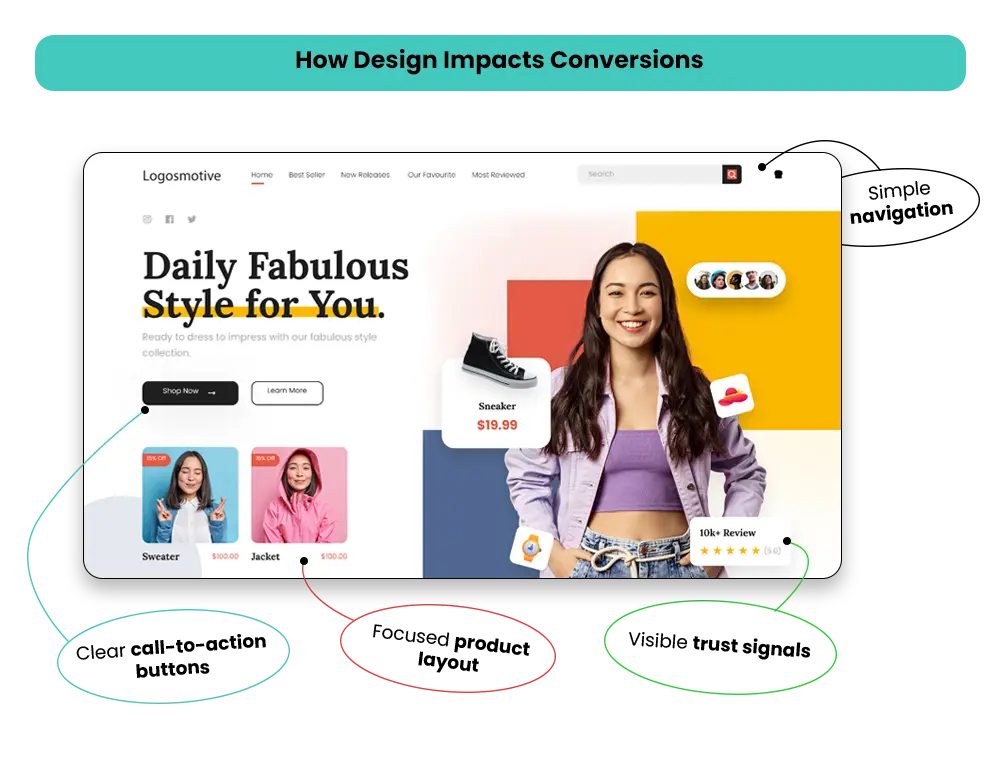
- CTA placement: Strategically place “Add to Cart” and “Buy Now” buttons where users naturally look. Eye-tracking studies show this alone can significantly improve engagement.
- Clear product hierarchy: Highlight best-sellers, categories, and promotions to guide users through decision-making.
- Reduce friction: Simplify navigation and checkout processes to prevent cart abandonment.
Fact: A 1-second improvement in page load speed can increase conversions by up to 7%
3. Performance & SEO Benefits
A well-customized theme also helps with SEO and performance:
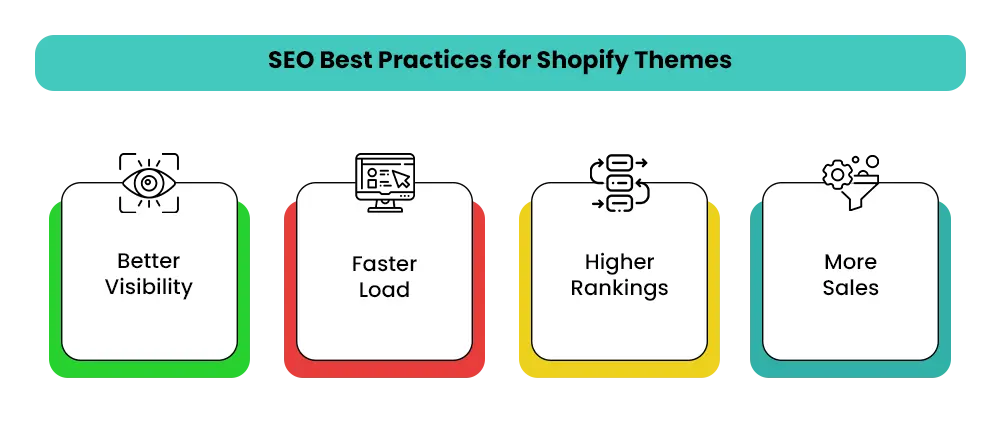
- Faster load times improve user experience, reduce bounce rates, and boost Google rankings.
- Clean, structured layouts make it easier for search engines to index your pages.
- Better engagement translates to higher conversion rates.
Tip: Even small layout improvements, like reducing unnecessary sections or compressing images, can significantly enhance both speed and usability.
4. Mobile Optimization (Critical in 2026)
With over 70% of ecommerce traffic coming from mobile, having a responsive, thumb-friendly store is non-negotiable:
- Easy navigation: Big buttons and swipe-friendly product carousels
- Optimized checkout: Fewer steps, faster form entry
- Responsive images and text for all device sizes
Mobile-optimized stores can see up to 30% higher conversion rates than non-optimized ones.
Shopify Theme Statistics & Design Trends (2025–2026)
Keeping up with trends helps ensure your store looks modern and converts well.
- Most popular Shopify themes: Trade/Trademark (~23.1%), Dawn (~8.8%), Debut (~5.4%)
- Custom theme adoption: Only ~1.5% fully custom, but ~33% partial customization
- Trending designs: Clean layouts, typography-focused designs, AR/3D product previews, faster checkout flows, minimal distractions
These stats show that while most stores use pre-built themes, even small customizations can help your store stand out.
SEO Best Practices for Shopify Themes
A stunning store is useless if nobody finds it. Good Shopify design goes hand-in-hand with SEO, and even small tweaks can have a big impact on visibility and conversions.
On-Page SEO Essentials:
- Structure headings properly: H1 for page titles, H2/H3 for sections to help Google understand your content hierarchy.
- Craft compelling meta titles and descriptions to increase click-through rates from search results.
- Don’t forget image alt text—Google can’t “see” images, but descriptive alt text boosts SEO and accessibility.
Theme Structure & Crawlability:
- Clean, lightweight HTML ensures faster load times and better indexing.
- Use structured data (like product schema), so search engines display rich snippets, improving visibility.
- Ensure your layout is index-friendly; avoid cluttered sections that confuse crawlers.
Common SEO Pitfalls to Avoid:
- Breaking URLs during theme changes can destroy existing SEO value.
- Duplicate content (e.g., copy-pasting descriptions across products) can harm rankings.
- Skipping post-launch monitoring: Always track rankings, crawl errors, and speed after customization.
Pro Tip: Even a 0.5-second improvement in page speed can improve search rankings and reduce bounce rates.
Step-by-Step Shopify Theme Customization Guide
Customizing your Shopify theme may feel intimidating at first, but a structured, step-by-step approach makes the process safe, manageable, and effective.
1. Before You Start
Laying the right foundation ensures your Shopify theme customization is smooth, safe, and aligned with your brand goals.
Prepare Your Store for Customization
- Choose a base theme that aligns with your products and target audience
- Duplicate your theme to avoid affecting the live store
- Define brand colors, fonts, and design goals in advance
2. Using the Shopify Theme Editor
Understanding how the theme editor works helps you make confident changes without breaking your store layout.
Learn How the Editor Works
- Understand sections vs blocks (sections are layout areas, blocks are elements inside them)
- Use global settings for consistency and page-level settings for unique layouts
- Always preview changes before publishing
3. Header & Navigation
A well-structured header improves usability, branding, and product discovery from the first interaction.
Improve Branding and Usability
- Place your logo prominently for brand recognition
- Use sticky headers for smoother navigation on long pages
- Design menu structures that guide users toward key products and CTAs
4. Homepage Optimization
Your homepage sets the tone for your entire store and should instantly communicate value and trust.
Create a Strong First Impression
- Use hero banners that immediately grab attention
- Feature collections, promotions, and trust badges
- Apply visual hierarchy to guide visitors toward primary CTAs
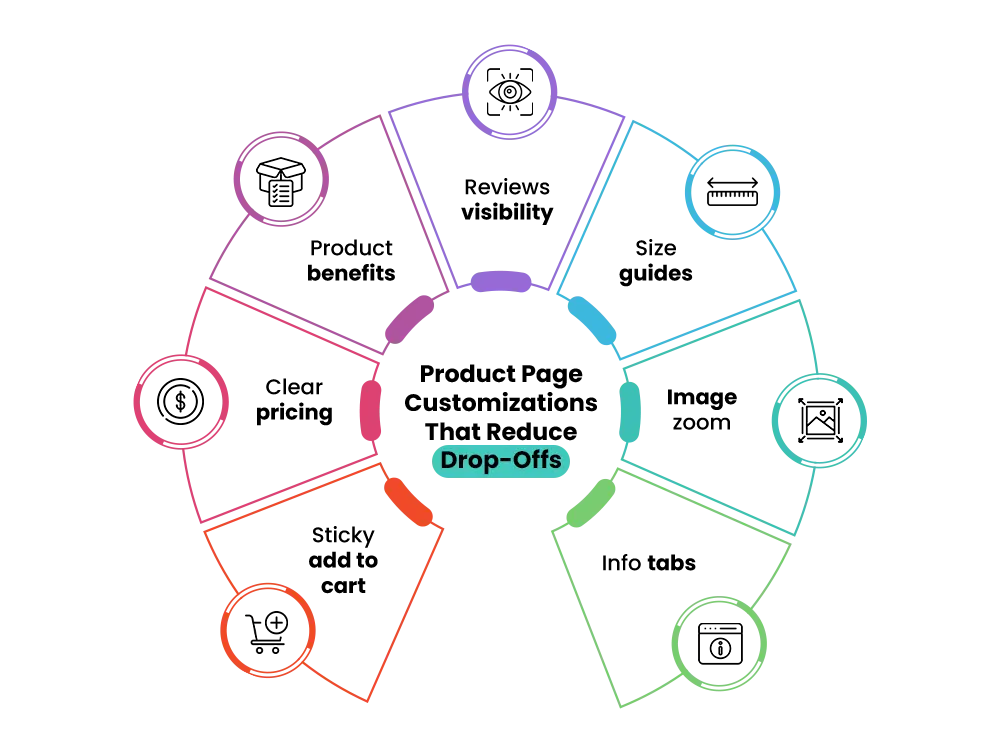
5. Product & Collection Pages
Optimized product and collection pages reduce friction and make buying decisions easier.
Increase Conversions
- Add high-quality images with zoom functionality
- Place CTAs strategically above and below the fold
- Include reviews and testimonials for social proof
6. Footer & Utility Sections
Your footer reinforces trust and gives visitors essential information before they leave your store.
Build Trust and Capture Leads
- Display policies, contact details, and trust signals
- Add secondary CTAs and newsletter signup forms
7. Code & Liquid Customizations (Beginner-Safe)
Light code tweaks allow you to refine your theme without risking functionality or performance.
Make Small Tweaks Without Risk
- Use CSS for fonts, spacing, and color adjustments
- Avoid editing core Liquid files unless you’re confident
- Stick to simple, beginner-friendly changes
8. Theme Editing Best Practices
Following best practices helps you customize safely while protecting your live store and SEO.
Avoid Costly Mistakes
- Never edit live themes directly
- Always work in preview mode
- Keep rollback versions ready
When Should You Avoid Heavy Theme Customization?
Heavy Shopify theme customization isn’t always the right move—especially early on. In some cases, simpler solutions work better.
Avoid Over-Customizing If:
- Your store is new or has low traffic
- You’re still validating products or market fit
- Apps or default theme sections already solve the problem
- Custom changes may slow down site performance
In these situations, focus on clarity, speed, and usability first. You can always invest in deeper customization once your store gains consistent traffic and sales.
Advanced Shopify Theme Customization (Optional but Powerful)
Once your store is stable and converting, advanced customization can unlock the next level of performance and personalization. These enhancements go beyond basic design tweaks and focus on experience, speed, and scalability.
1. Smart Personalization & Dynamic Content
- Show product recommendations based on browsing behavior
- Use conditional content blocks to personalize offers and messaging
- Create tailored experiences that feel relevant, not generic
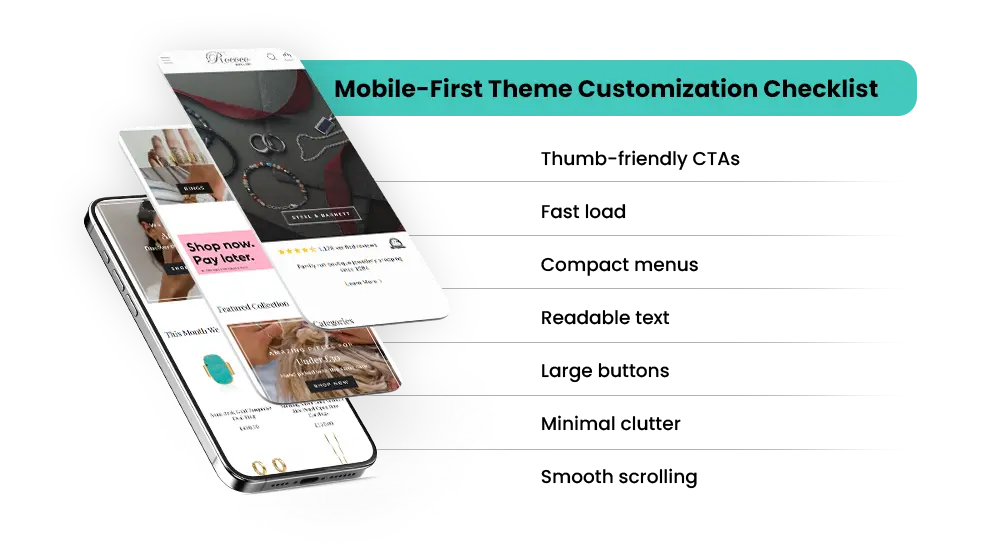
2. Mobile-First Enhancements
- Optimize layouts for thumb-friendly navigation
- Improve mobile checkout flow for faster purchases
- Ensure buttons, spacing, and sections feel natural on smaller screens
3. Page Speed & Performance Optimization
- Compress and optimize images without losing quality
- Lazy-load sections to reduce initial page load time
- Audit and manage scripts to avoid performance bottlenecks
4. Using Apps & Page Builders Wisely
- Use tools like GemPages only where they add real value
- Avoid stacking too many apps that slow down your store
- Balance flexibility with performance and maintainability
Advanced Shopify theme customization isn’t about adding complexity—it’s about refining what already works and turning a good store into a high-performing one.
Common Shopify Theme Customization Mistakes
Even the most experienced merchants slip up. Avoid these common errors to save time, money, and conversions:
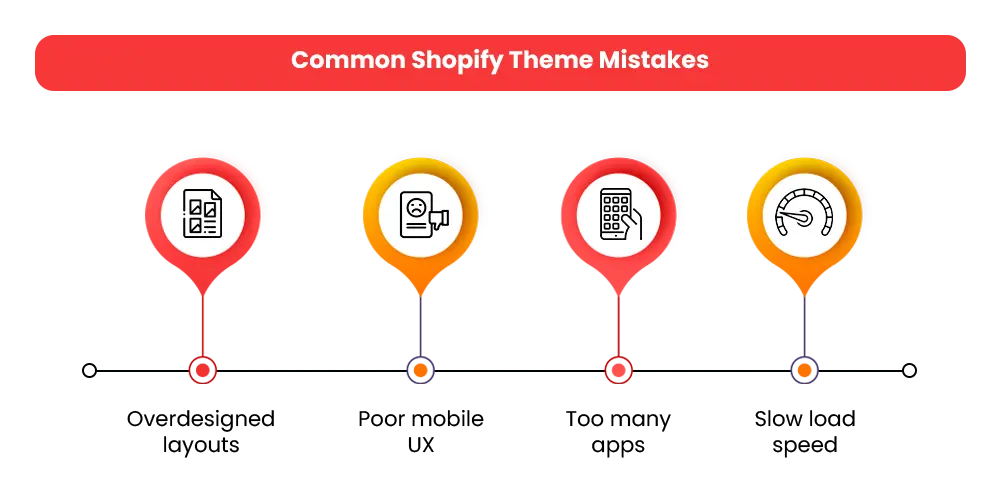
- Overdesigning with heavy visuals: Fancy graphics can slow your store and distract from products. Keep it clean and purposeful.
- Ignoring mobile UX: With 70%+ of traffic on mobile, a desktop-focused design is a costly mistake.
- Installing too many apps: Each app can add extra code, slowing your store. Only install what’s essential.
- Neglecting speed optimization: Uncompressed images, unnecessary animations, and unoptimized sections can kill conversions.
Remember: Simplicity often wins. A store that loads fast and guides the user naturally will outperform one that’s visually overloaded.
Real-World Shopify Theme Customization Examples
Seeing real results can inspire action. Many Shopify stores have improved performance by tweaking their themes. Some stores cut page load times by 35% by compressing images, removing heavy scripts, and cleaning up sections. Faster pages keep shoppers around longer and reduce bounce rates.
Sales also went up. Some stores saw an 18% increase in conversions by moving call-to-action buttons, making product layouts clearer, and adding trust signals like reviews and security badges. These small changes guide shoppers to buy without confusion.
Different niches need different tweaks. Fashion stores use big hero banners and rich images to tell a story. Home goods stores focus on clear collections and filters so buyers find products fast.
Electronics stores highlight specs with tabs and easy comparisons. Even small, well-targeted changes can boost sales and make your store stand out.
Tools & Resources for Shopify Theme Customization
- Shopify Theme Editor – Built-in editor for safely changing layouts, colors, and sections without coding.
- GemPages – Drag-and-drop page builder for advanced landing pages and custom layouts.
- Shogun – Flexible page builder for creating high-conversion pages with more design control.
- Shopify Theme Detector – Identifies themes and apps used by competitor stores for inspiration.
- PageSpeed Insights – Measures site performance and provides actionable speed improvements.
- GTmetrix – Analyzes page load times, scripts, and performance bottlenecks.
- Ahrefs – Tracks SEO health, rankings, and technical issues affecting visibility.
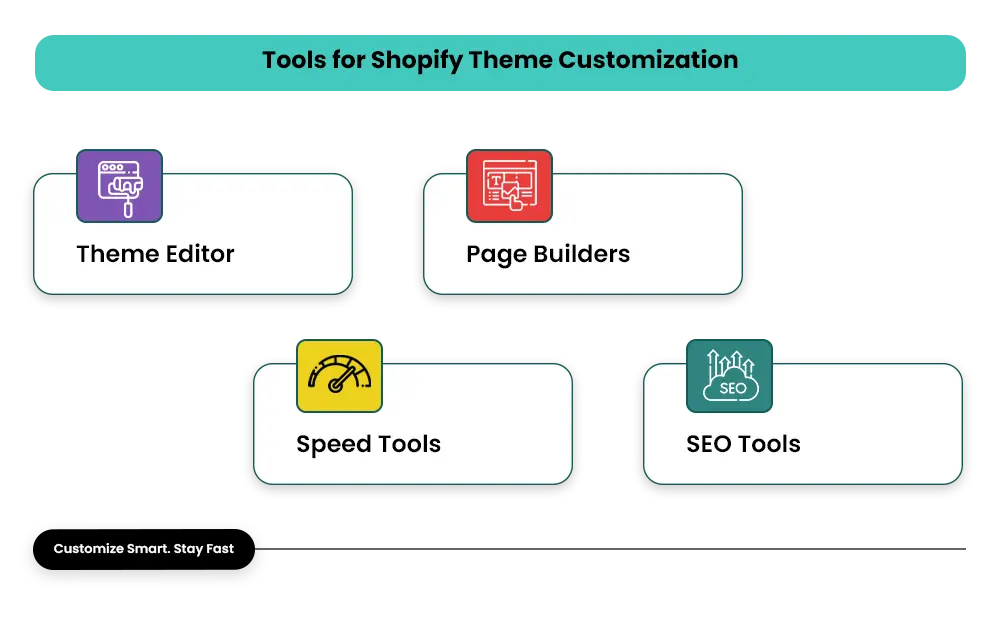
Best practice: Use Shopify’s theme editor for simple updates, page builders only when needed, and monitor speed and SEO regularly. Always
preview changes before publishing to protect your live store.
Click here to read: Mastroke x Shopify: Mastroke is Now an Official Shopify Plus Partner
Conclusion: Build a Shopify Store That Looks Good and Converts
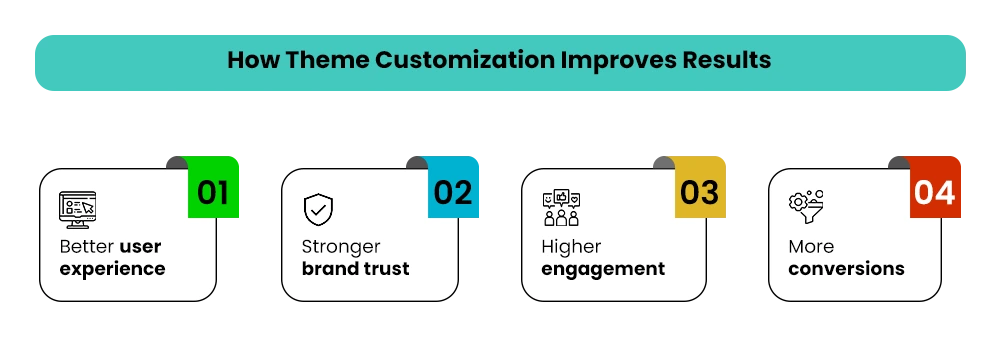
Customizing your Shopify theme isn’t just about looks—it’s about growth. With over 70% of ecommerce traffic coming from mobile, shoppers decide within seconds whether to stay or leave. Your layout, speed, and design directly affect conversions.
Even small tweaks—moving a CTA, refining product images, or adding trust badges—can boost conversions by 10–20%. Faster load times and smooth navigation also improve SEO, bringing in organic traffic without extra ad spend.
Theme customization helps express your brand through consistent colors, fonts, and layouts, building trust instantly. Each improvement reduces friction and guides users toward purchase, turning your Shopify store into a high-performing sales engine.
If you want expert help without the trial-and-error, Mastroke specializes in Shopify theme customization that blends design, UX, and performance. From refining layouts to optimizing mobile experiences, we help turn standard Shopify themes into conversion-focused storefronts.
Ready to upgrade your Shopify store?
Partner with Mastroke to create a fast, visually striking, and high-converting Shopify experience that grows your brand and drives real sales.
FAQs About Shopify Theme Customization
1. Can beginners customize Shopify themes?
Absolutely! With Shopify’s visual editor, anyone can make impactful changes without touching code.
2. Will customization affect SEO?
Done correctly, customization improves SEO by enhancing page structure, speed, and usability.
3. How much customization is too much?
Focus on high-impact changes first. Avoid heavy edits if your store is new or low-traffic.
4. Free vs paid themes—what’s better?
Free themes are great for starters. Paid themes provide more flexibility, premium features, and advanced layout options.
5. Do I need a developer?
Not for basic customization. Developers are only required for advanced Liquid edits or custom functionality.
6. How often should I update my theme?
Regularly! Ecommerce trends, mobile UX expectations, and performance standards change constantly. Even small updates every few months can improve conversions and SEO.