
“Why does UX matter so much for my Shopify store?” Because it’s the silent engine behind retention and revenue. Shopify UX optimization isn’t just about creating a clean interface; it’s about shaping how customers feel, navigate, and decide to buy.
A clunky design pushes them away, while a smooth, intuitive journey keeps them coming back. In fact, according to Forrester, a well-designed UX can boost conversion rates by up to 400%. That’s not just a number, it’s proof that great UX directly impacts your bottom line.
Poor design isn’t just about looks. It breaks trust, slows down decision-making, and increases cart abandonment. With AI search and mobile-first experiences shaping the way people shop, customers now expect speed, personalization, and ease at every step. A store that ignores these expectations loses buyers fast.
UX and retention are deeply connected: when shopping feels seamless, customers stay longer, spend more, and return often. Whether it’s structured navigation, personalized recommendations, or optimized mobile layouts, every detail counts.
In this guide, we’ll break down how to optimize your Shopify store for better UX and long-term retention, so your visitors don’t just browse, they convert and come back.
What Makes a Shopify Store User-Friendly?
“What does a good Shopify UX actually look like?” It appears to offer ease, clarity, and speed. A user-friendly store doesn’t make shoppers think twice.
It guides them effortlessly from product discovery to checkout. Shopify UX optimization starts with a simple structure, fast performance, and an experience that works just as smoothly on mobile as it does on desktop.
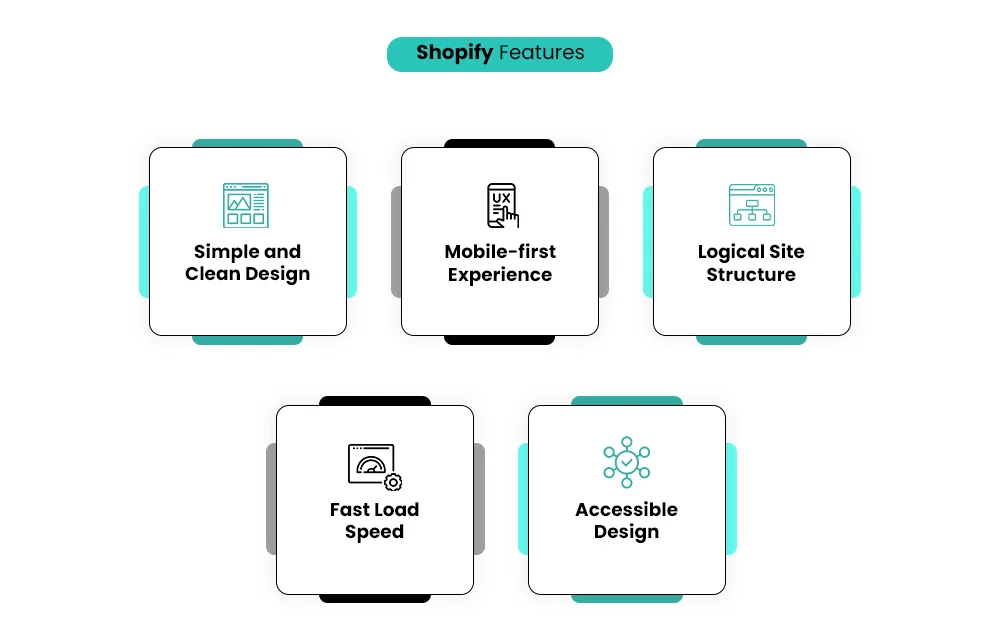
When users can find what they want without friction, conversion rates rise and bounce rates drop. The best-performing Shopify stores have a few things in common:
- Simple and clean design – No clutter. Every element has a purpose, making it easy to focus on the product.
- Mobile-first experience – With most shoppers browsing on their phones, responsive layouts are non-negotiable.
- Logical site structure – Clear website navigation and layout optimization help customers reach products in a few clicks.
- Fast load speed – A slow-loading page is one of the biggest UX killers—every second counts.
- Accessible design – ADA compliance and inclusive design build trust and expand your reach.
When all these elements work together, your Shopify store optimization efforts turn into measurable results: lower bounce rates, longer session times, and higher conversions. A user-friendly Shopify store isn’t just beautiful, it’s built to guide, convert, and retain. This is what sets great eCommerce brands apart from stores that simply exist online.
– Read More: The Ultimate Guide to Shopify Store Setup and Optimization (Start from Scratch)
Common UX Mistakes Shopify Store Owners Make (and Why They Hurt Retention)
“What UX mistakes might be driving my customers away?” Often, it’s not your products but your user experience for Shopify stores that’s pushing shoppers out the door. Poor UX creates friction, breaks trust, and ultimately costs sales.
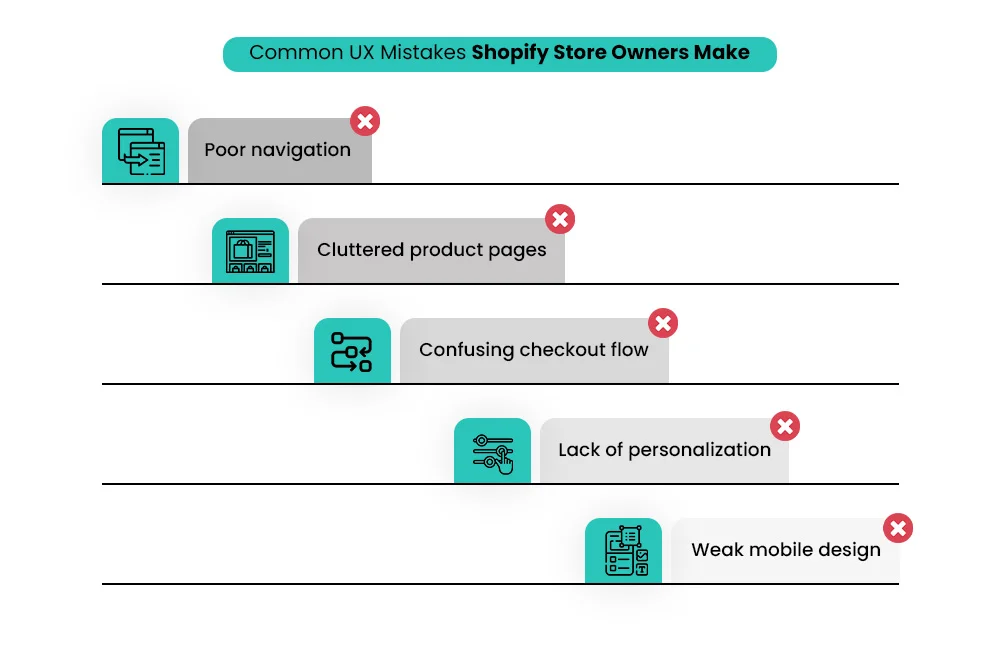
Even the best Shopify Store setup can fail if the design doesn’t guide users smoothly through their buying journey. Here are the most common Shopify design mistakes that hurt retention and revenue:
- Poor navigation – If shoppers can’t find what they want quickly, they’ll bounce. Clunky menus and unclear categories lead to frustration.
- Cluttered product pages – Overwhelming visuals or too much text dilute attention. Clean layouts keep customers focused on buying.
- Confusing checkout flow – Long, multi-step checkouts are one of the top cart abandonment triggers.
- Lack of personalization – Generic experiences don’t build loyalty. Tailored recommendations drive return visits.
- Weak mobile design – Without responsive design, mobile users struggle, leading to lost conversions.
These UX errors directly impact your conversion rates and customer lifetime value. A small drop in retention can lead to a significant loss in revenue over time.
Investing in Shopify UX optimization isn’t just a design upgrade; it’s a growth strategy. By simplifying the experience, personalizing interactions, and ensuring mobile-first performance, you make it easier for customers to stay, shop, and return. That’s how thriving Shopify brands build lasting customer relationships.
– Read More: How to Choose the Right Shopify Store Setup Agency for Your Brand?
Shopify UX Optimization Techniques to Boost Retention
Check out some of the listed below Shopify UX optimization techniques that boost retention.
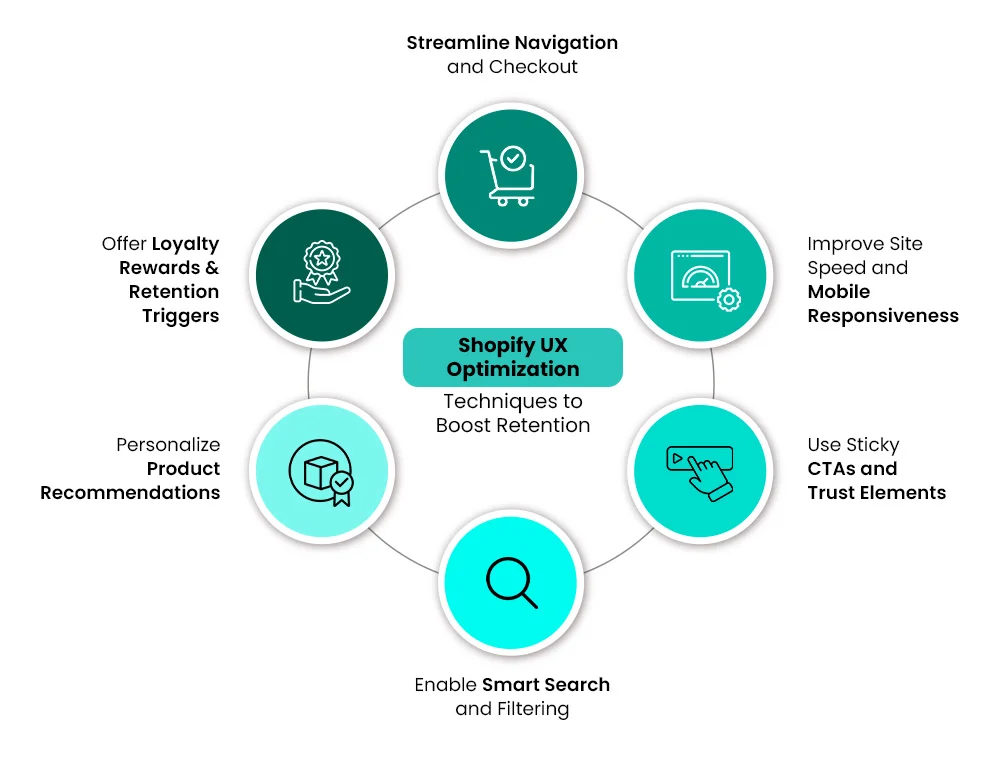
1. Streamline Navigation and Checkout
A smooth experience keeps shoppers coming back, and that’s exactly where Shopify UX optimization makes a difference. Two of the most powerful ways to boost retention are intuitive navigation and a frictionless Shopify checkout flow.
When customers can find what they need easily and check out without hassle, they’re more likely to complete their purchase and return.
Here’s what works best:
- Simplify navigation: Keep menus clean, use clear categories, and make search accessible. An intuitive structure reduces bounce rates.
- Streamline checkout process: Minimize steps, enable guest checkout, and display clear progress indicators.
- Auto-fill and mobile-friendly forms: Help users save time and avoid frustration.
- Highlight trust signals: Show secure payment icons and shipping details upfront.
Following Shopify UX best practices for higher conversions doesn’t just make your site look good; it creates a journey shoppers actually enjoy. And that’s what turns first-time buyers into loyal customers.
2. Improve Site Speed and Mobile Responsiveness
When it comes to Shopify UX optimization, speed and mobile responsiveness are game changers. Today, the majority of your visitors are mobile users, and they expect your store to load fast and work flawlessly. Even a one-second delay can lower conversion rates and increase bounce.
Here’s how to improve Shopify user experience and retention with simple, high-impact steps:
- Improve site speed: Compress images, remove unused apps, and minimize JavaScript. Faster pages create smoother shopping journeys.
- Optimize for mobile devices: Use responsive themes, test across screen sizes, and keep design elements clean and clickable.
- Streamline navigation: Ensure menus are simple and easy to tap, especially on small screens.
- Prioritize performance tracking: Use tools like Google PageSpeed Insights to spot and fix issues early.
This is more than a design tweak—it’s smart Shopify conversion optimization. When your store loads quickly and works seamlessly on any device, customers are far more likely to stay, browse, and buy again.
– Read More: 7+ Shopify Design Mistakes Store Owners Make (and How Experts Fix Them)
3. Use Sticky CTAs and Trust Elements
A key part of Shopify UX optimization is making it effortless for customers to take action. Sticky CTAs and visible trust elements can significantly boost engagement and retention. When users don’t have to scroll endlessly to find the “Add to Cart” or “Buy Now” button, they’re more likely to complete their purchase.
Here’s how to improve user experience with this strategy:
- Sticky CTAs: Keep core actions visible as users scroll, especially on mobile.
- Trust elements: Add badges (SSL secure, payment logos), reviews, and return policies near CTAs.
- Personalization and customer journey mapping: Place CTAs and trust signals where they align with buying intent.
- Simple design: Avoid clutter around your CTA—clarity drives clicks.
These Shopify CRO and UX improvement tips build confidence and reduce friction, making it easier for shoppers to say “yes” to your offer without second thoughts.
4. Enable Smart Search and Filtering
A powerful Shopify UX optimization tactic to boost retention is enabling smart search and filtering. Shoppers want to find what they’re looking for fast—especially on online stores with large product catalogs. If users have to scroll endlessly, they’ll bounce.
Here’s how to make your Shopify store easier to navigate:
- Smart search: Use an AI-powered search that auto-suggests products as users type.
- Advanced filtering: Let shoppers filter by price, size, color, ratings, or availability.
- Synced categories: Keep filters consistent across collections for a smooth shopping flow.
- Search intent alignment: Highlight trending and popular items in search results.
A clean Shopify design audit often reveals how much poor search UX hurts conversions. Smart search and structured filtering remove friction, helping customers get to the checkout page faster—and increasing the chances they’ll return.
5. Personalize Product Recommendations
One of the most effective Shopify UX optimization strategies to increase retention is personalizing product recommendations. Instead of showing every shopper the same catalog, tailor what they see based on behavior, browsing history, or location. This creates a smoother and more relevant shopping experience, leading to higher engagement and repeat visits.
Here’s how to boost engagement on your Shopify store with personalization:
- AI-driven suggestions: Recommend complementary or frequently bought-together items.
- Behavior-based targeting: Display products based on previous purchases or abandoned carts.
- Location-based offers: Highlight region-specific bestsellers or shipping options.
- Fast loading times: Keep recommendation widgets lightweight so they don’t slow the site.
When done right, personalized product recommendations make shoppers feel understood and valued. This reduces decision fatigue, improves conversion rates, and turns first-time visitors into loyal customers.
6. Offer Loyalty Rewards & Retention Triggers
A strong Shopify UX optimization strategy doesn’t end at checkout—it focuses on keeping customers coming back. One of the smartest ways to do that is by offering loyalty rewards and retention triggers. These elements build trust, create emotional connections, and give shoppers a reason to return instead of bouncing to a competitor.
Here are a few Shopify design tips to increase customer retention:
- Loyalty programs: Offer points, discounts, or exclusive perks for repeat purchases.
- Smart triggers: Use automated email or SMS reminders for abandoned carts, birthdays, or restocks.
- Tiered rewards: Encourage customers to unlock better benefits as they shop more.
- Seamless redemption: Keep the reward process simple and visible during checkout.
These Shopify retention strategies to increase repeat sales not only boost customer lifetime value but also make your store feel more personalized and rewarding—turning one-time buyers into loyal brand advocates.
– Read our festive blog here: 7+ Shopify Cyber Monday Offer Ideas That Actually Drive Holiday Sales
AI for Hyper-Personalization and Retention
AI plays a key role in hyper-personalization by analyzing customer behavior, purchase history, and preferences in real time. It helps deliver tailored product recommendations, dynamic content, and personalized offers.
This level of Shopify UX optimization boosts retention by making every shopper feel seen and understood, turning casual visitors into loyal, repeat customers.
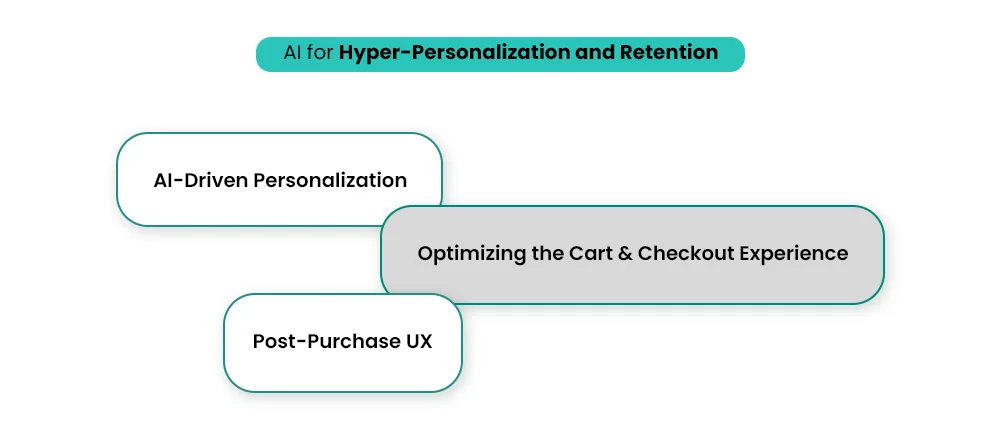
1. AI-Driven Personalization: More Than Just “Customers Also Bought”
AI-driven personalization goes beyond the basic “Customers Also Bought” widget. With Shopify UX optimization, you can deliver real-time recommendations that adapt as users browse. Instead of static suggestions, AI tools analyze behavior patterns to show products people are most likely to buy, boosting engagement and retention.
Here’s how smart personalization helps:
- Real-time recommendations that evolve with user behavior.
- Contextual product suggestions to increase Average Order Value.
- Dynamic experiences that make each shopper feel understood.
These Shopify UX strategies for small businesses enhance overall user experience (UX) and turn one-time buyers into loyal customers.
2. Optimizing the Cart & Checkout Experience
A smooth cart and checkout flow is key to Shopify UX optimization. Long forms, hidden fees, or limited payment options often lead to cart abandonment. Simplifying this stage can directly boost your conversion rate and retention.
Here’s how to improve it:
- Reduce unnecessary form fields to speed up checkout.
- Offer multiple payment options to fit customer preferences.
- Clearly display shipping and return policies to build trust.
Adding AI chatbots on the cart page can instantly answer questions like “What’s the return policy?”, a smart customer retention strategy that keeps shoppers from leaving.
3. Post-Purchase UX: Building a Loyal Customer Base
Post-purchase UX plays a critical role in Shopify UX optimization and long-term retention. A smooth and thoughtful post-purchase journey turns one-time buyers into loyal customers.
Here’s how to improve the shopping experience after checkout:
- Send clear order confirmations and real-time shipping tracking.
- Simplify returns and exchanges to reduce frustration.
- Use AI tools to send personalized follow-up emails—ask for reviews or recommend complementary products.
When you personalize based on user behavior, you build trust and reduce bounce rate on Shopify, encouraging repeat purchases and higher lifetime value.
– Read our festive blog here: 7 Black Friday Marketing Ideas No Shopify Store Should Skip This Holiday Season
How Experts Fix Shopify UX: A/B Testing, Audits & CRO Tactics
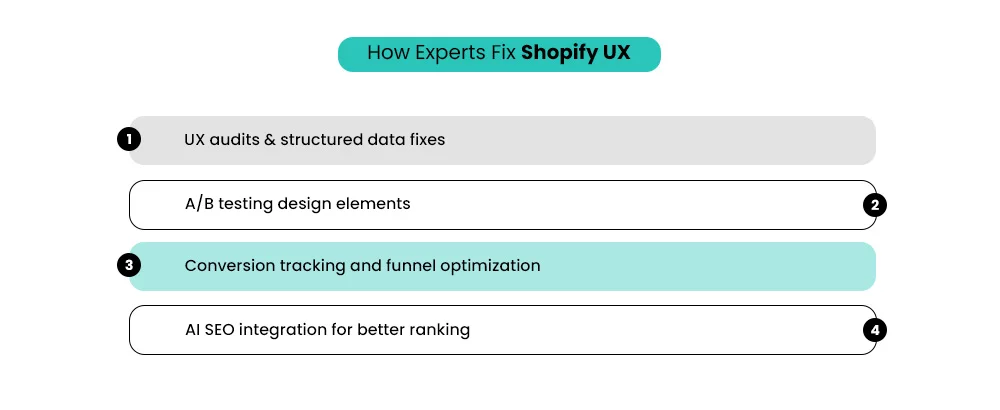
a). UX audits & structured data fixes
Every strong Shopify UX optimization begins with a Shopify design audit, a comprehensive review of how users interact with your store. Experts dig into analytics, navigation flow, heatmaps, and mobile responsiveness to identify friction points.
From slow-loading visuals to confusing category structures, even minor UX gaps can significantly impact conversions. Once these weak spots are mapped, developers move on to structured data fixes, ensuring products, reviews, and prices are readable by both users and search engines.
This technical cleanup not only boosts relevance but also fuels AI SEO, helping your store rank higher and attract more qualified traffic.
b). A/B testing design elements
After the audit, experts use A/B testing for Shopify to fine-tune what truly drives user action. Split testing different headlines, CTA colors, hero layouts, or product image formats reveals what your audience prefers.
The goal isn’t random design change, it’s informed decision-making based on user behavior. For example, swapping button copy from “Add to Cart” to “Get Yours Now” may increase clicks by 10% if it aligns better with purchase intent.
Continuous testing ensures your UI/UX enhancements for ecommerce actually move performance metrics instead of relying on guesswork.
c). Conversion tracking and funnel optimization
Optimizing the conversion funnel is like polishing each stage of a customer’s path, from homepage to checkout. Experts set up conversion tracking through analytics tools to reveal where users drop off or disengage.
They streamline the checkout flow, simplify form fields, and test micro-interactions like trust badges or payment icons to reduce hesitation. A good UX prioritizes seamless, confident navigation so fewer visitors abandon carts and more complete purchases.
d). AI SEO integration for better ranking
Modern UX strategy is deeply linked to search visibility. With the rise of AI SEO, user experience signals, such as time on page, bounce rate, and content clarity, now influence rankings.
Experts integrate structured, data-driven AI insights into design and copy decisions. By optimizing meta structures and automating content relevance updates, your Shopify store stays aligned with both user behavior and search algorithms.
In short: a frictionless user experience now directly translates to stronger discoverability and retention.
When you mix solid audits, data-backed testing, and intelligent SEO alignment, you don’t just improve aesthetics—you create a good UX that converts and sustains loyal customers.
– Read our festive blog here: How to Make the Most of Small Business Saturday for Your Shopify Store: 11 Strategies You Can’t Miss
Measuring the Impact: UX Metrics That Actually Matter
Great design only matters when it translates to real results, so understanding the right UX metrics is essential.
- Session duration is one of the clearest indicators of engagement. If users spend more time browsing your pages, it usually means your design and product layout are effective. Longer sessions signal that visitors find your site easy to explore and worth their attention. If the duration is low, it’s a sign your content or navigation may not be holding interest.
- Bounce rates tell another part of the story. When shoppers land on a page and leave instantly, it means they didn’t find what they expected, or the page took too long to load. Keeping bounce rates low is key to sustaining engagement. Simple fixes like faster load times, clearer CTAs, and mobile-friendly layouts can help keep users engaged.
- Repeat purchase rate measures loyalty. When customers return to buy again, it reflects strong trust and a satisfying user experience. This metric connects directly to how users feel about your store’s navigation, checkout speed, and post-purchase experience. A great retention rate often means you’ve nailed the UX.
- Conversion rate is where it all comes together. Every tweak, from product image size to button color, should aim to move this number upward. Tracking conversions through analytics tools and Google Analytics helps pinpoint what pages or design elements drive actions like adding items to the cart or completing checkout.
- Cart abandonment rate reveals friction in the buying process. If customers leave after adding items, something’s off, maybe unexpected shipping fees, slow checkout, or lack of trust signals. Optimizing this step is crucial for turning browsing into buying.
Good UX isn’t about guesswork; it’s about responding to how real users interact with your store. By using measurable data, you can design experiences that keep visitors comfortable, confident, and coming back.
– Read our festive blog here: National Free Shipping Day: How Shopify Brands Can Turn One Day Into Long-Term Sales
Conclusion
Optimizing your Shopify store for better UX and retention isn’t just about good visuals; it’s about creating an experience that feels effortless and trustworthy. Through ongoing Shopify UX optimization, detailed audits, and mobile-friendly Shopify design, you make every click smoother and every interaction meaningful.
Focus on ecommerce site usability to ensure visitors find what they want quickly and confidently. When navigation is intuitive, load times are fast, and checkout flows are frictionless, customers not only convert, they come back.
A polished UX builds loyalty, reduces bounce, and strengthens your brand’s credibility, helping your store stand out in an increasingly competitive ecommerce space. Reach out to Mastroke today for a better Shopify Store UX.
FAQs
1. How does improving UX impact my Shopify store’s retention rate?
A well-structured and intuitive UX encourages customers to browse longer, reduces bounce rates, and increases repeat purchases — all of which strengthen retention.
2. What are the most common UX mistakes Shopify store owners make?
Some top UX errors include cluttered navigation, slow-loading pages, poor mobile design, confusing checkout flow, and inconsistent branding.
3. How can AI tools help optimize UX on Shopify stores?
AI tools can track user behavior, run A/B tests, personalize product recommendations, and highlight drop-off points to enhance navigation and engagement.
4. Is accessibility part of UX optimization for Shopify stores?
Yes. Features like alt text, proper contrast, keyboard navigation, and ADA compliance improve both accessibility and search engine visibility.
5. What UX metrics should I track to measure success?
Focus on retention and engagement metrics such as session duration, bounce rate, cart abandonment, repeat purchase rate, and overall conversion rate.
6. Should I hire a Shopify UX expert or DIY the optimization?
For basic changes, DIY can work. But for structured CRO, A/B testing, and advanced personalization, expert Shopify design solutions deliver stronger long-term ROI.